
logo

Make everyday operations flow.

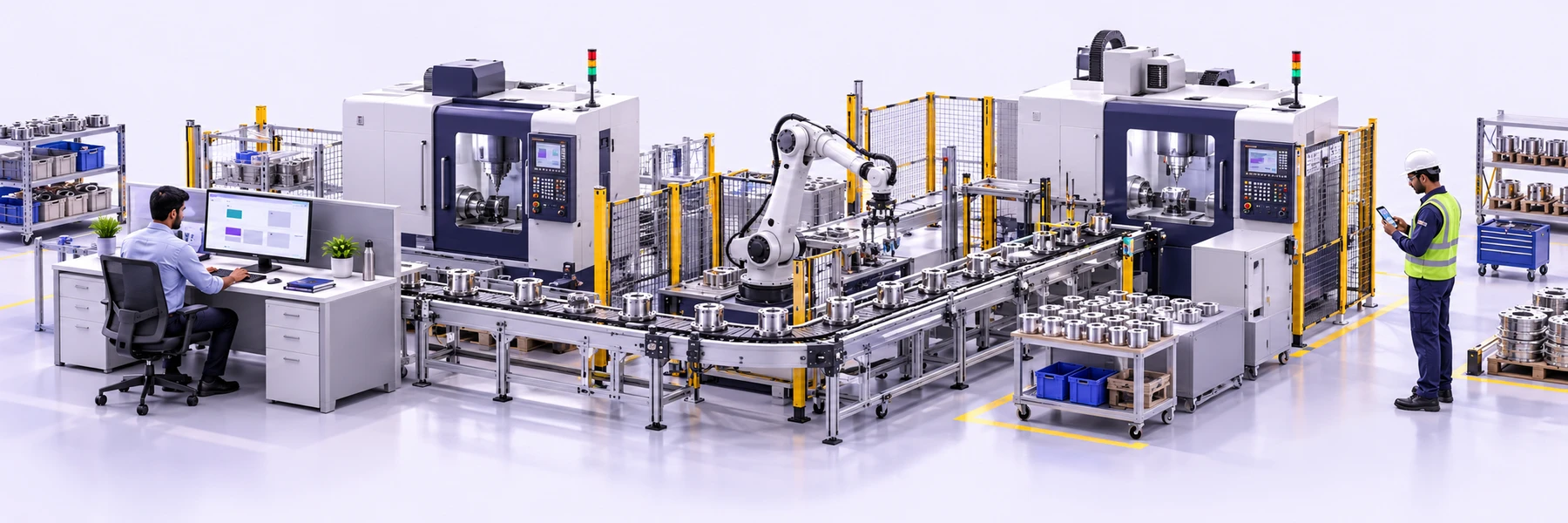
Choose a familiar process. See how the work moves from request to completion.

FROM WORK ORDER TO HANDOVER

A production plan everyone can follow.

Turn a production request into owned tasks. Keep the setup, quality check and dispatch handover together, so the next team knows where to start.

  1. 01
    Plan the job

    Create the work order and add the required steps.

  2. 02
    Put people in place

    Assign setup, inspection and packing to the right owners.

  3. 03
    Keep the next team ready

    Record progress and flag what still needs attention.

Try it with your own team
Desktop · Plan & coordinate
Example shared status Assigned
TaskAlertOperations workspacePL
WORKSPACE / TASKS

Production · Morning shift

4 tasks · 4 ownersIllustrative workspace
To do2
In progress1
Completed1
Sample workspace · Design previewClick a task to explore
Mobile app preview

Sample workspace · Design preview

A closer look at TaskAlert

Product preview components with fictional sample data.

One task record across devices

One work order. Clear owners from setup to dispatch.

One shared view.
A more connected operation.

From the operator doing the job to the supervisor reviewing it.

Desktop · Plan & coordinate
Example shared status Assigned
TaskAlertOperations workspacePL
WORKSPACE / TASKS

Production · Morning shift

4 tasks · 4 ownersIllustrative workspace
Task / responsible personStatusDue
Sample workspace · Design previewClick a task to explore
Mobile app preview

Sample workspace · Design preview

A closer look at TaskAlert

Product preview components with fictional sample data.

One task record across devices
Every task has a responsible person Handovers keep their context Progress is easier to follow
Production handover

Sample workspace · Design preview

A closer look at TaskAlert

Product preview components with fictional sample data.

Inspection evidence

Sample workspace · Design preview

A closer look at TaskAlert

Product preview components with fictional sample data.

The next person has the context.Owner · Checklist · Notes · Files
Connected teams, from the floor to the office.

BETWEEN ONE SHIFT AND THE NEXT

Hand over the work.
Keep the context.

The next team should see more than a task name.

Keep the job instructions, latest updates and supporting files with the task. Give the incoming shift a clear owner, a visible next step and a record they can refer back to.

  • See what is complete and what is still open
  • Keep observations and files with the job
  • Make the next responsibility clear
Explore the shared workspace
The right document. With the right work.
Work instructionsMaintenance recordsInspection sheetsHandover notes

A LITTLE STRUCTURE GOES A LONG WAY

Fewer loose ends.
A clearer working day.

Keep the process your team knows. Give the work a better way to stay connected.

Find your starting point
A reminder A file A handover
One task. The whole picture.

Owner · Due date · Checklist · Updates · Files

THE EVERYDAY FRICTIONWITH TASKALERT
A job written on a whiteboardA task with an owner and a due date
Maintenance remembered between shiftsA recurring check with clear instructions
Inspection photos in separate chatsEvidence attached to the relevant task
Another call for a progress updateA shared view of what needs attention

Practical tools.
Built around your operation.

Make the work visible, keep routines consistent and give every team the context to move forward.

Keep the job reference, responsible people, due dates and progress together. Move from asking who has the job to seeing what needs attention.

Desktop · Plan & coordinate
Example shared status Assigned

TaskAlertOperations workspacePL
WORKSPACE / TASKS

Production · Morning shift

4 tasks · 4 ownersIllustrative workspace
To do2
In progress1
Completed1
Sample workspace · Design previewClick a task to explore
Mobile app preview

Sample workspace · Design preview

A closer look at TaskAlert

Product preview components with fictional sample data.

One task record across devices

Sample workspace · Design preview

Use recurring tasks for equipment inspections, housekeeping checks and regular reviews. Add your own approved procedure and record each occurrence.

Sample workspace · Design preview

A closer look at TaskAlert

Product preview components with fictional sample data.

Uploaded TaskAlert screen

Sample workspace · Design preview

Bring production, engineering and quality work into a shared view. See owners and pending tasks before the next shift review.

Desktop · Plan & coordinate
Example shared status Report submitted
TaskAlertOperations workspacePL
WORKSPACE / TASKS

Quality · Inspection queue

4 tasks · 4 ownersIllustrative workspace
Task / responsible personStatusDue
Sample workspace · Design previewClick a task to explore
Mobile app preview

Sample workspace · Design preview

A closer look at TaskAlert

Product preview components with fictional sample data.

Sample workspace · Design preview

Work orders with a clear next step
Desktop · Plan & coordinate
Example shared status Assigned
TaskAlertOperations workspacePL
WORKSPACE / TASKS

Production · Morning shift

4 tasks · 4 ownersIllustrative workspace
To do2
In progress1
Completed1
Sample workspace · Design previewClick a task to explore
Mobile app preview

Sample workspace · Design preview

A closer look at TaskAlert

Product preview components with fictional sample data.

One task record across devices

Sample workspace · Design preview

The whole operation.
Working from the same page.

Production, engineering, stores and dispatch each have their part. TaskAlert helps connect the work between them.

See the workspace
ProductionJobs & shift tasks
EngineeringChecks & maintenance
Quality & safetyInspections & follow-ups
StoresRequests & stock checks
DispatchPacking & handovers
Clearer responsibility More useful handovers Less chasing for updates

Start with one process.
Build on what works.

You don’t need to change your whole factory to take the first step.

Start free trial
  1. 01

    Pick a familiar routine

    Try a daily line check, weekly service or shift handover.

  2. 02

    Give it a clear structure

    Add the owner, due date, checklist and reviewer.

  3. 03

    Run it with your team

    Review the experience, improve it and expand at your pace.

Make it work
for your organisation.

Practical answers before you start.

Take another look at the workflow

Start with a familiar process such as a shift checklist, production handover or maintenance inspection. Create its tasks, assign responsible people and due dates, then keep updates and evidence with the work.

Sample workspace · Design preview

A closer look at TaskAlert

Product preview components with fictional sample data.

Sample workspace · Design preview

One view of the day’s workSample workspace

Sample workspace · Design preview

A closer look at TaskAlert

Product preview components with fictional sample data.

  • Clear task ownership
  • Visible due dates

Product design preview with fictional sample data.

logo

TaskAlert is an all-in-one business operations platform that helps teams manage tasks, workflows, employees, attendance, and reporting from one cloud-based workspace.